

Featured
B2B service businesses
Solar, EV charging, industrial equipment, and technology. The first segment this page is written for.
Context photo. Not a product result.
Trivesper Client Acquisition OS (CAOS)
Capture every enquiry, see every prospect's journey, know who needs attention, and decide what to do next.
For B2B service businesses. Turn more enquiries into sales opportunities.
The problem
Missed enquiries
A form comes in, and nobody is sure who should answer it.
Inconsistent follow-ups
Some prospects hear back today. Others wait until someone remembers.
Scattered customer information
One person's story sits across inboxes, sheets, and notes.

The path
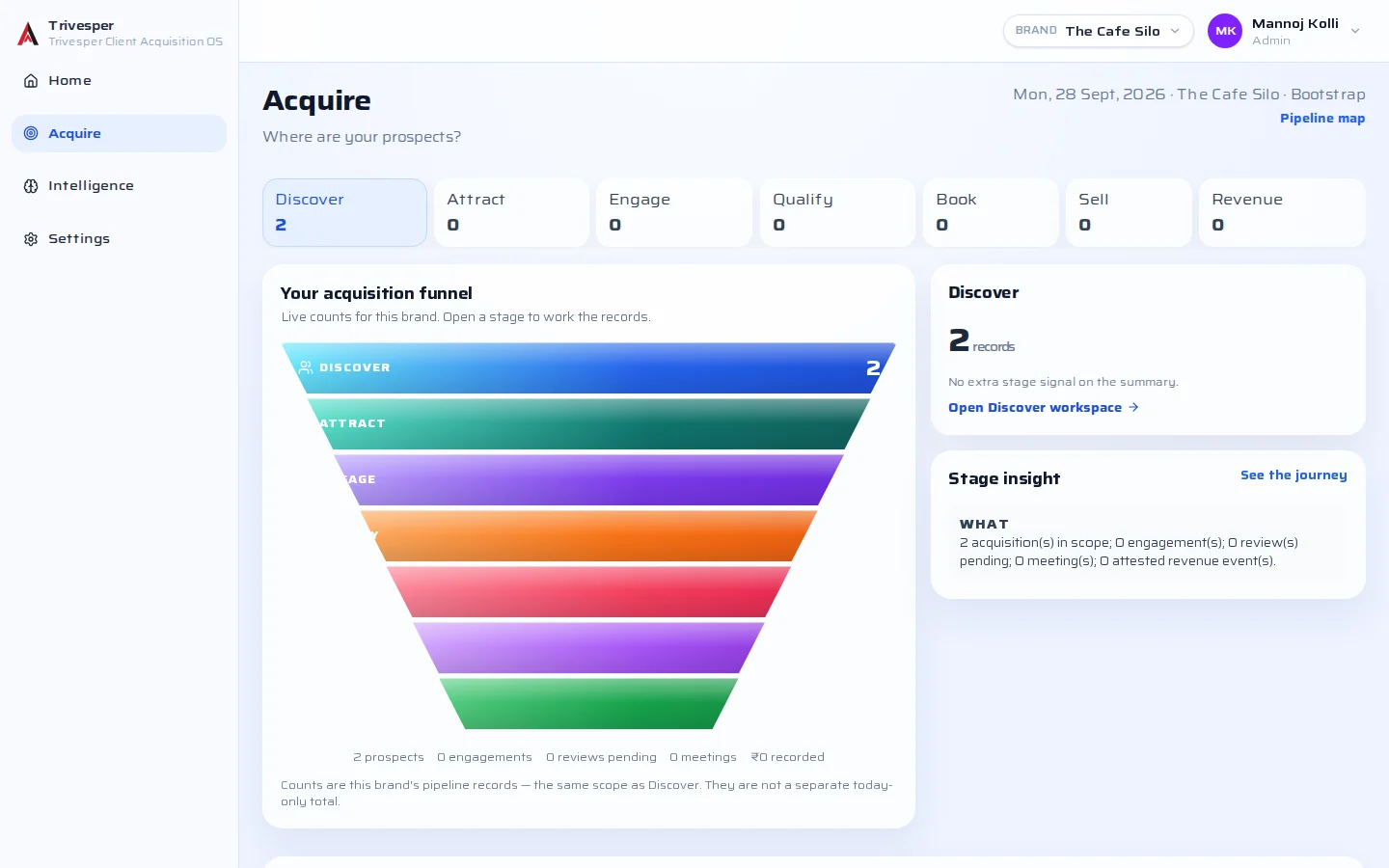
Seven stages, from the first enquiry to money you can account for.
01
Discover
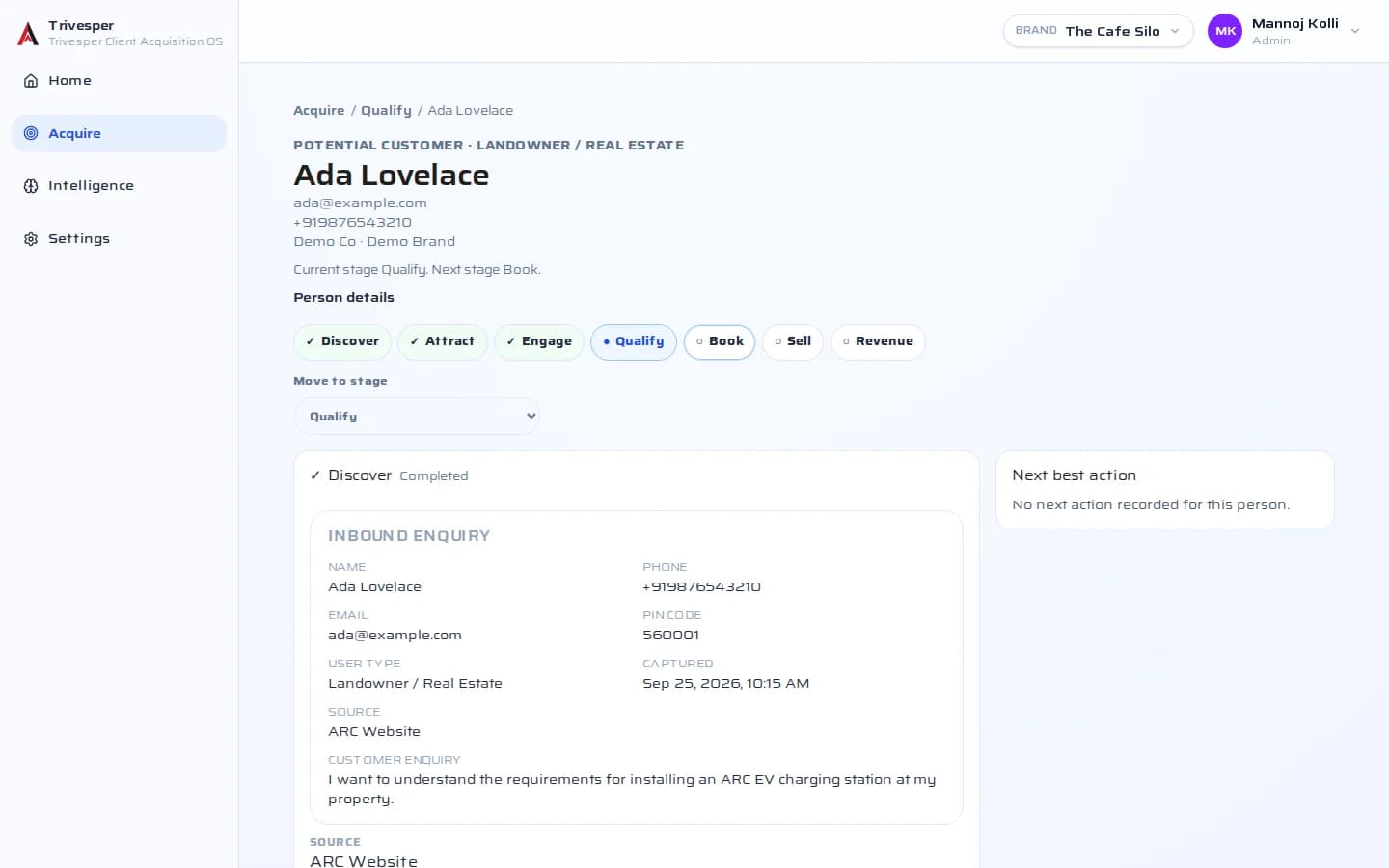
Capture every enquiry in one place.
02
Attract
See the prospects your work is bringing in.
03
Engage
Keep each conversation on the prospect's record.
04
Qualify
See who is a real opportunity. On plans that include it, AI drafts a qualification for a person to review.
05
Book
Choose the next conversation with the people who are ready.
06
Sell
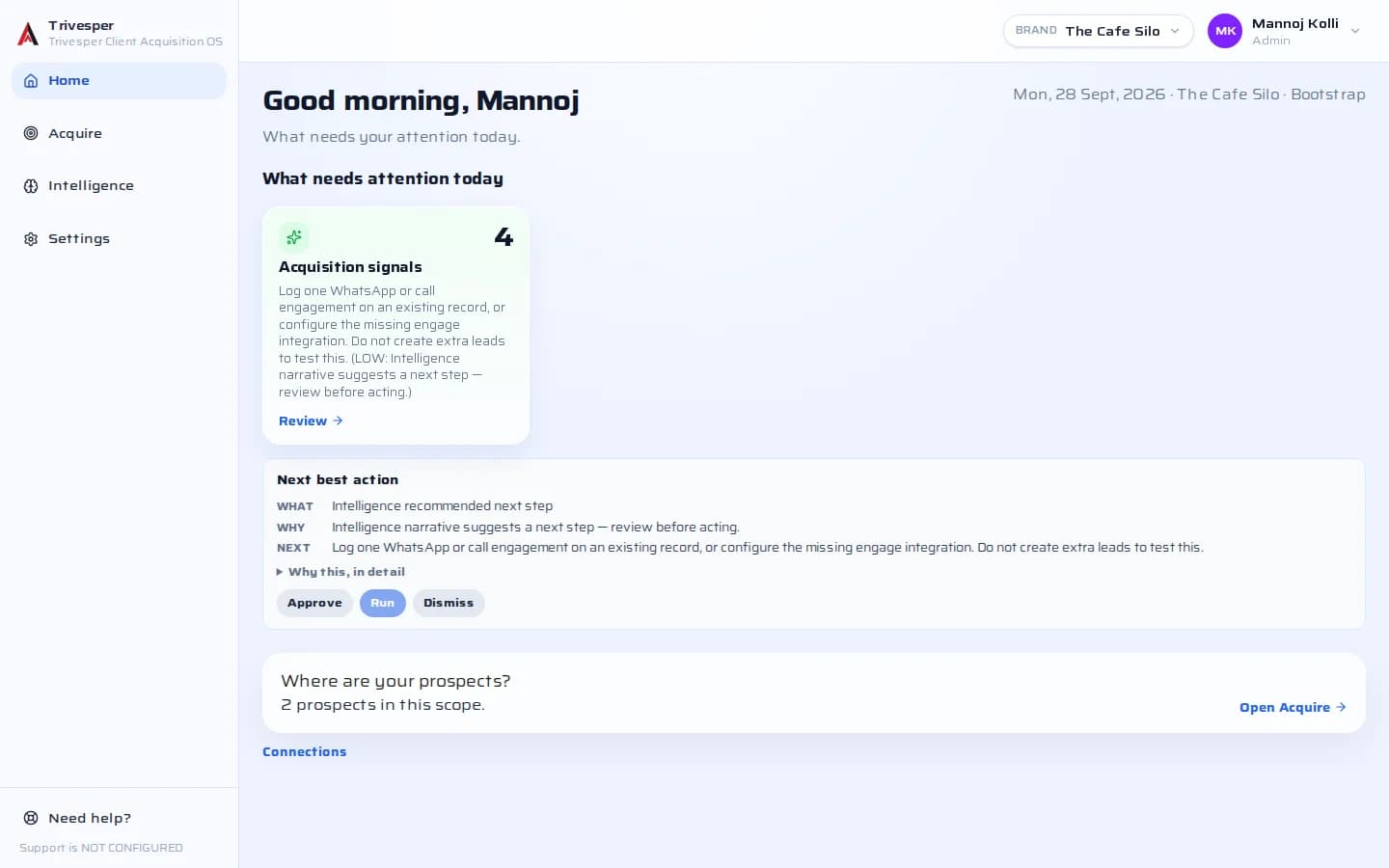
Know who needs attention, and what to do next.
07
Revenue
Record revenue only from payments you attest.
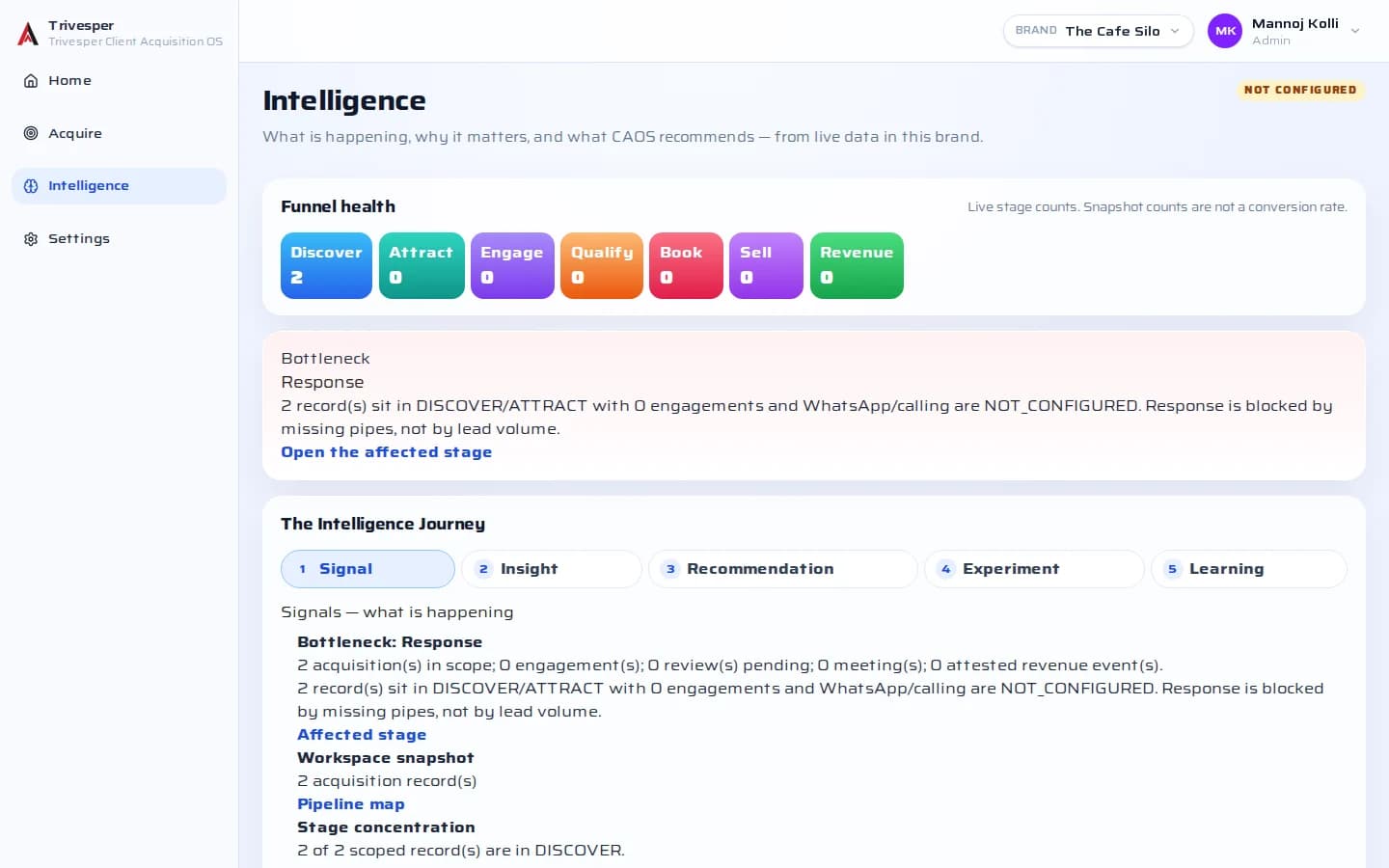
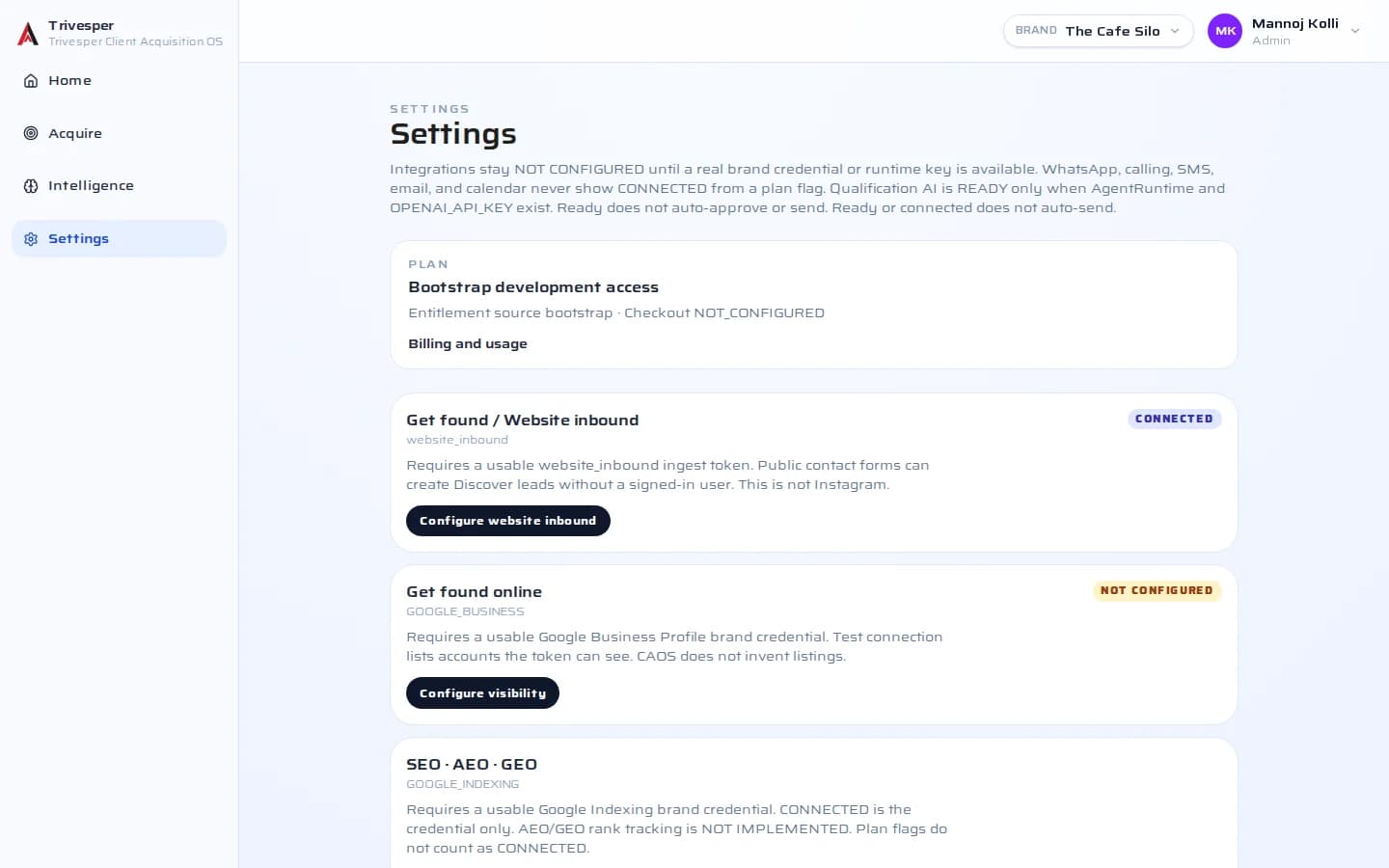
See the product
Real CAOS screens. Names and figures are sample data, shown to illustrate the interface. A next best action is a suggestion for your team. It does not place a call, send a message, or book a calendar.
Who it's for
Featured
Solar, EV charging, industrial equipment, and technology. The first segment this page is written for.
Context photo. Not a product result.

Teams that need every enquiry and viewing request on one journey.
Context photo. Not a product result.

The people who follow up, qualify, and decide what happens next.
Context photo. Not a product result.
Pricing
Starter, Growth, and Scale come from the current catalog. The full page has annual prices and what each plan includes.
Want us to run it for you? Talk to us
CAOS Free and CAOS Pro are Notion template workspaces, separate from this hosted application. Open the Notion product page.
FAQ and integrations
Email requires configuration. Until it is configured, CAOS does not send email.
Those are later. They are not channels you can run today.
Website enquiry forms, CSV import, and manual entry. On plans that include it, AI drafts a qualification for a person to review. Next best actions tell your team who needs attention. Revenue is recorded only from attested payments.
Email requires configuration. Until it is configured, CAOS does not send email.
WhatsApp, SMS and calling, calendar sync, and Google Business Profile. Those are later. They are not channels you can run today.
Your team still does that work. CAOS keeps the enquiry, the journey, and the next step in one place so a person can decide. It does not sell on its own.
Book a demo and we will walk the path with your own process. Write to meetus@trivesper.com.